
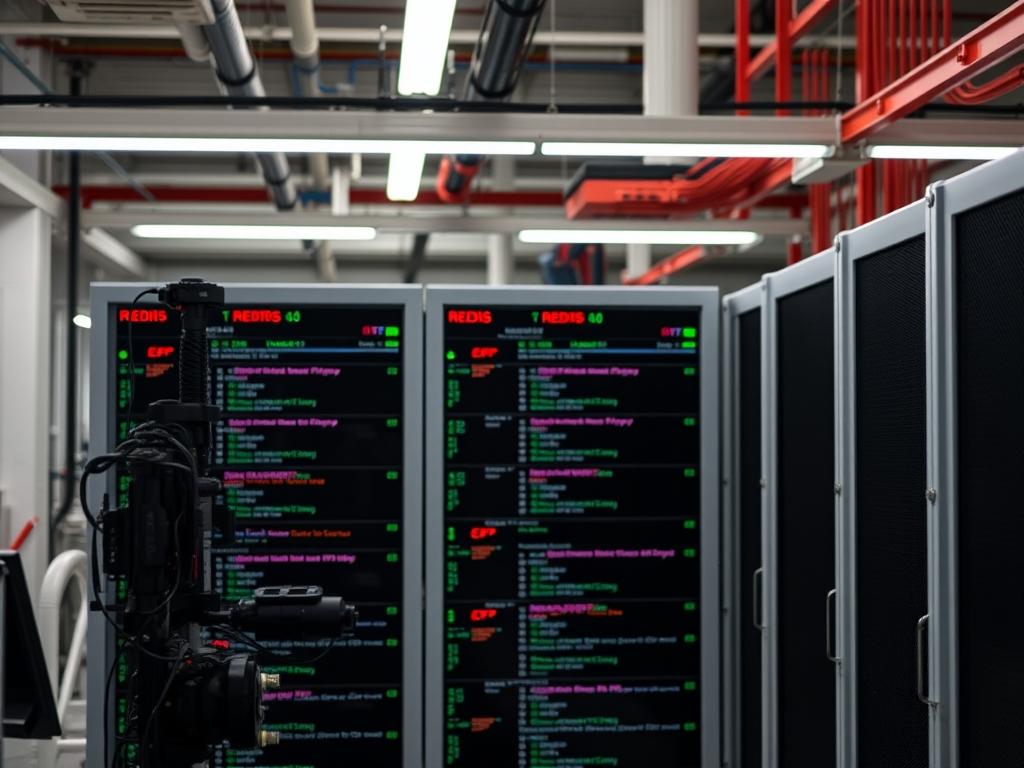
Redis replication is a fundamental architecture for ensuring high availability and data redundancy within modern cloud and network infrastructure. In high-density environments; such as smart grid energy management or large-scale water distribution telemetry; a single point of failure at the data layer can result in catastrophic visibility loss. A Redis Replication Setup solves this by creating a distributed cache system where data is asynchronously propagated from a master node to multiple replicas. This design mitigates the risks associated with hardware failure and significantly improves read throughput by distributing the query load across the cluster. By offloading complex read operations to replicas, the master node maintains optimal performance for write-heavy payloads; ensuring that high-concurrency event streams are processed without excessive overhead. This setup provides the foundation for more advanced scaling logic; including high-availability failover mechanisms and geographic redistribution to minimize signal-attenuation across wide-area networks.
Technical Specifications
| Requirement | Default Port/Range | Protocol/Standard | Impact Level (1-10) | Recommended Resources |
| :— | :— | :— | :— | :— |
| Redis Server | 6379 | TCP | 10 | 4 vCPU / 16GB+ RAM |
| Sentinel Monitoring | 26379 | TCP | 8 | 1 vCPU / 2GB RAM |
| Kernel Memory | N/A | POSIX | 9 | vm.overcommit_memory=1 |
| Network Latency | < 1ms to 50ms | Ethernet/Fiber | 7 | 10Gbps SFP+ Links |
| Disk Persistence | N/A | AOF/RDB | 6 | NVMe SSD (High IOPS) |
The Configuration Protocol
Environment Prerequisites:
Implementation requires a Linux-based operating system; preferably Ubuntu 22.04 LTS or RHEL 9. The deployment must utilize Redis version 7.0 or higher to leverage improved replication stream protocols. The system architect must ensure that sudo or root level permissions are granted to modify kernel parameters and service configurations. Furthermore; the internal network must allow traffic over port 6379 between all participating nodes while blocking external access via a robust firewall strategy.
Section A: Implementation Logic:
The theoretical foundation of Redis replication is built upon an asynchronous lead-follower model. When the master node receives a write command; it executes the operation locally and then streams the command to the replicas as part of its replication backlog. This process is inherently idempotent; ensuring that the state of the replica mirrors the master regardless of temporary network interruptions. The logic prioritizes low latency over immediate consistency; allowing the master to confirm successful writes to the client without waiting for replica acknowledgment. However; in environments where data integrity is paramount; the WAIT command can be utilized to enforce synchronous-like behavior. The design must also account for the physical constraints of the hardware. For instance; if the hardware experiences high thermal-inertia in a poorly cooled data center; CPU throttling may occur; leading to increased replication lag and potential packet-loss during high-throughput events.
Step-By-Step Execution
1. Environment Baseline and Package Installation
Execute the installation of the Redis binaries across all designated nodes.
sudo apt-get update && sudo apt-get install redis-server -y
System Note: This command utilizes the apt package manager to fetch and install the Redis service. It registers the redis-server with systemctl; allowing it to be managed as a background daemon. The installation process also creates the /etc/redis directory and the default /var/log/redis/redis-server.log file.
2. Kernel Optimization for Memory Management
Modify the sysctl configuration to handle memory overcommitment.
echo ‘vm.overcommit_memory = 1’ | sudo tee -a /etc/sysctl.conf && sudo sysctl -p
System Note: Redis utilizes a background saving mechanism that depends on the fork() system call. By setting vm.overcommit_memory to 1; the Linux kernel allows the process to allocate more virtual memory than is physically available; preventing out-of-memory (OOM) errors during heavy payload snapshots or synchronization events.
3. Primary Node (Master) Network Configuration
Edit the /etc/redis/redis.conf file on the master node to enable network visibility.
sudo sed -i ‘s/^bind 127.0.0.1/bind 0.0.0.0/’ /etc/redis/redis.conf
System Note: Changing the bind address from the loopback interface to 0.0.0.0 allows the Redis service to listen on all available network interfaces. This is critical for accepting incoming connections from replicas located on different physical or virtual segments of the network.
4. Security Hardening with Authentication
Apply a strong master password to the primary node to prevent unauthorized data access.
sudo sed -i ‘s/# requirepass foobared/requirepass SecureAlpha7799/’ /etc/redis/redis.conf
System Note: This directive instructs the Redis process to demand an AUTH command for every incoming connection. At the kernel level; this introduces a small computation overhead for every new socket connection; but it is essential for multi-tenant or distributed environments.
5. Replica Node Redirection
Configure the replica nodes to follow the primary master node.
sudo echo “replicaof 192.168.1.100 6379” >> /etc/redis/redis.conf
sudo echo “masterauth SecureAlpha7799” >> /etc/redis/redis.conf
System Note: The replicaof command (or slaveof in legacy versions) initiates a handshake procedure. The replica attempts to establish a TCP connection to the master. Once authenticated via masterauth; it requests a partial or full synchronization of the dataset.
6. Adjusting the TCP Backlog for High Concurrency
Increase the number of queued connections at the system level.
sudo sed -i ‘s/tcp-backlog 511/tcp-backlog 2048/g’ /etc/redis/redis.conf
System Note: During bursts of high throughput; the default TCP backlog may be insufficient. Increasing this value via redis.conf; in conjunction with modifying net.core.somaxconn via sysctl; prevents the dropping of synchronization packets during period of high network congestion.
7. Initialization and Service Restart
Restart the Redis service to commit all configuration changes.
sudo systemctl restart redis-server
System Note: This command triggers systemd to terminate the existing Redis process and spawn a new one using the updated configuration parameters in /etc/redis/redis.conf. Use systemctl status redis-server to verify the service is running without faults.
Section B: Dependency Fault-Lines:
The most common failure points in a Redis Replication Setup involve the bind directive and firewall rules. If the master is bound only to 127.0.0.1; replicas will receive a “Connection Refused” error. Another significant bottleneck is the client-output-buffer-limit. If the replication backlog exceeds the allocated memory buffer while the master is streaming data to a replica; the connection will be terminated; causing a loop of repeated full synchronizations. This often happens if the network suffers from high signal-attenuation or if the replica’s disk I/O cannot keep up with the master’s write throughput. Furthermore; version mismatch between nodes can lead to encapsulation errors; where the master sends a payload format the replica does not recognize.
THE TROUBLESHOOTING MATRIX
Section C: Logs & Debugging:
The primary tool for diagnosing issues is the Redis log file located at /var/log/redis/redis-server.log. Use the command tail -f /var/log/redis/redis-server.log to monitor events in real-time. Look for the error string “MASTERLYNC: Error condition on socket”; which indicates a network layer failure or incorrect IP routing. If the log displays “Synchronization with replica failed”; check the master node’s requirepass and the replica node’s masterauth values to ensure they are identical. For physical layer verification; use ping to check for high latency between nodes. If latency is high; investigate the network switches or fiber interconnects for signs of signal-attenuation. Additionally; the command redis-cli info replication provides a comprehensive readout of the current synchronization state; including the byte offset. If the offset on the replica is significantly trailing the master; it indicates a throughput bottleneck or high thermal-inertia on the replica node’s storage subsystem.
OPTIMIZATION & HARDENING
Performance Tuning:
To maximize throughput; disable “Huge Pages” at the OS level; as they can increase latency during Redis snapshots. Use echo never > /sys/kernel/mm/transparent_hugepage/enabled. Additionally; pin the Redis process to specific CPU cores if the server handles other workloads; reducing the overhead of context switching. For high-concurrency environments; ensure that the maxclients directive in redis.conf is scaled to accommodate both application connections and replication streams.
Security Hardening:
Beyond basic passwords; implement Access Control Lists (ACLs) to restrict the commands a replica can execute. Use TLS/SSL encapsulation for all replication traffic to protect data as it traverses the network; especially in multi-site deployments. Use the rename-command directive to hide dangerous commands like FLUSHALL or CONFIG from standard users.
Scaling Logic:
As the Distributed Cache grows; transition from simple replication to a Redis Sentinel or Redis Cluster architecture. Sentinel provides automated failover; monitoring the health of the master and promoting a replica to master if the primary node goes offline. This ensures the system remains idempotent and available; even during hardware maintenance or unexpected outages in the cloud infrastructure.
THE ADMIN DESK
How do I verify the replication status?
Connect to the master node using redis-cli and execute the info replication command. This will list all connected replicas; their IP addresses; and their current synchronization offset. Identical offsets indicate perfect data parity.
What happens if the master node crashes?
Without Sentinel; the replicas will wait and continue to serve read-only data based on the last successful sync. You must manually reconfigure a replica to be the new master using the replicaof no one command to resume write operations.
Why is my replica constantly reconnecting?
Check the client-output-buffer-limit replica setting in redis.conf. If the master’s change rate exceeds the buffer size before the replica can download the RDB file; the master will drop the connection to protect its own memory.
Can I replicate over a WAN?
Yes; but be mindful of signal-attenuation and packet-loss. Use Redis 7+ for improved partial resynchronization (PSYNC) to minimize the need for full data transfers over high-latency links. Ensure TLS is enabled for security over public or shared routes.

