
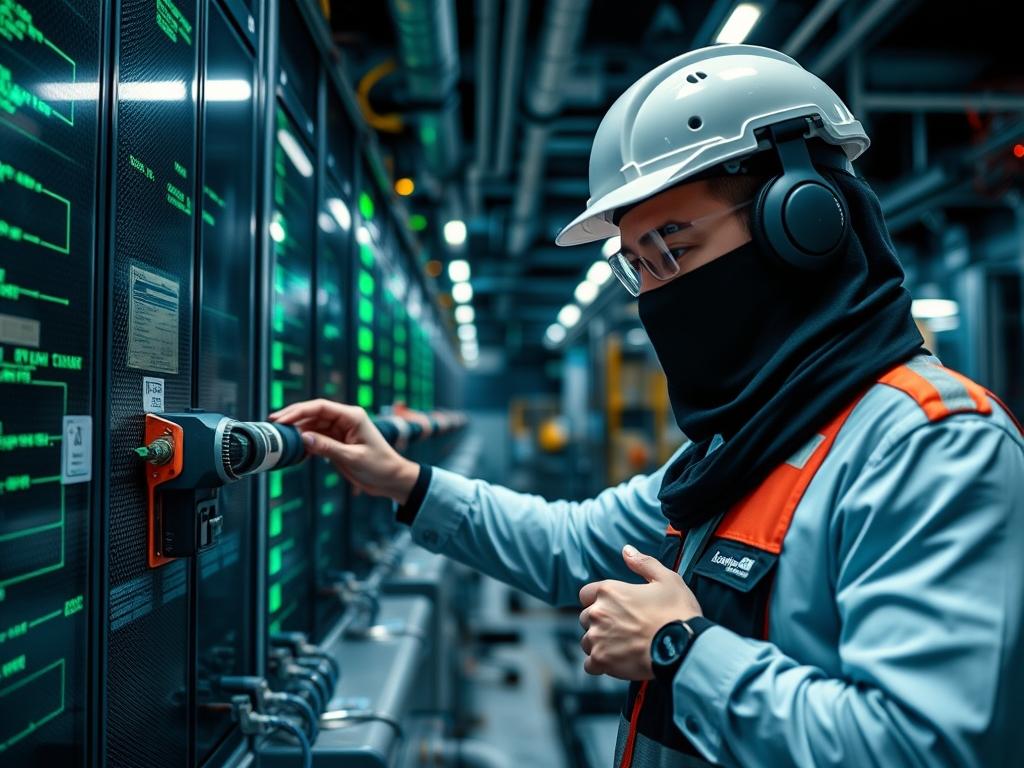
DevOps Pipeline Security represents the defensive posture required to protect the automated software delivery lifecycle from malicious interference; specifically, it targets the risk of unauthorized code execution within automated build environments. In modern technical stacks supporting Cloud infrastructure and high-capacity Power or Water utility management systems, the CI/CD pipeline acts as the central nervous system for operational updates. If an attacker injects a malicious payload into a build script or manipulates an environment variable, they gain the ability to compromise the underlying host, steal secrets, or deploy backdoors into production binary artifacts. This manual addresses the critical problem of unprivileged execution by implementing a hardened, idempotent configuration strategy. By treating the pipeline as a high-security perimeter, engineers can ensure that every build is encapsulated and isolated from the host kernel. This structural approach minimizes the attack surface while maintaining high throughput and low latency for development teams operating in high-concurrency environments.
Technical Specifications
| Requirement | Default Port/Range | Protocol/Standard | Impact Level (1-10) | Recommended Resources |
| :— | :— | :— | :— | :— |
| Secret Management | Port 8200 | HashiCorp Vault / TLS 1.3 | 10 | 2 vCPU / 4GB RAM |
| Runner Isolation | N/A | Docker / OCI-Compliant | 9 | 4 vCPU / 8GB RAM |
| API Gateway | Port 443 | HTTPS / OAuth 2.0 | 8 | 2 vCPU / 4GB RAM |
| Log Aggregation | Port 514 | Syslog / TLS | 7 | 100GB SSD (Write-Heavy) |
| Identity Provider | Port 636 | LDAPS / OIDC | 9 | 2 vCPU / 2GB RAM |
The Configuration Protocol
Environment Prerequisites:
System architects must ensure all components meet minimum versioning requirements to support modern security primitives. The host operating system should be running Linux Kernel 5.15 or higher to leverage advanced eBPF monitoring capabilities. Necessary software includes Docker Engine 24.0.0+, Git 2.40.1+, and OpenSSL 3.0+. User permissions must follow the Principle of Least Privilege: the CI/CD execution agent must never run as root. Instead, it should utilize a dedicated svc_deploy user with limited sudo access restricted to specific, audited commands via the /etc/sudoers.d/pipeline configuration file.
Section A: Implementation Logic:
The engineering design for hardening a pipeline against code injection relies on the concept of ephemeral execution and strict input sanitization. Attackers target the “injection points” where external data—such as Pull Request titles, branch names, or commit messages—are interpolated into shell commands. To prevent this, our logic dictates the use of environment variables as the only medium for data transfer, avoiding direct string interpolation into the shell. Furthermore, every build job must run in a clean, disposable container. This ensures that even if a payload is executed, its impact is limited to a transient filesystem with no persistence and no lateral network access. This methodology reduces the overhead of constant system cleanup while providing a deterministic, idempotent environment for every execution cycle.
Step-By-Step Execution
1. Establish Isolated Execution Boundaries
Execute the command docker network create –internal ci_bridge to create a network island for the build runners.
System Note: This command modifies the host’s iptables rules to prevent the container from communicating with external networks or the internal LAN unless explicitly allowed. This mitigates the risk of a malicious build artifact attempting to reach a command-and-control (C2) server.
2. Configure Non-Privileged User Space
Navigate to the runner directory and apply chmod 750 /var/lib/ci_runner followed by chown ci_user:ci_group /var/lib/ci_runner.
System Note: This adjusts the filesystem metadata on the underlying disk partition. By restricting the directory’s group and owner permissions, we prevent unauthorized lateral movement from other local services should the host be partially compromised.
3. Implement Shell Script Hardening
Before executing any build script, prepended the file with set -euo pipefail and utilize the shellcheck utility to scan for vulnerabilities.
System Note: This command alters the behavior of the shell’s execution engine. The -e flag ensures the script exits on any error; -u treats unset variables as an error; and -o pipefail ensures that failures in a pipeline return a non-zero exit code, preventing hidden failures from polluting the build output.
4. Enforce Secret Masking in Logs
Configure the logging agent using grep -vE “password|token|secret” as a temporary filter, or integrate a dedicated secret scanner.
System Note: This manipulates the standard output (stdout) stream at the kernel level before it is committed to the physical disk. It prevents sensitive credential leaks into the system logs, which are often indexed by less-secure third-party monitoring tools.
5. Apply Resource Constraints via Cgroups
Launch the runner with the limits: docker run –cpus=”2.0″ –memory=”4g” –pids-limit 100 ci_runner_image.
System Note: This interacts directly with the Linux kernel’s cgroups (control groups). It ensures that a malicious build cannot trigger a Denial of Service (DoS) attack by consuming all available CPU cycles or memory, protecting the server’s thermal-inertia and maintaining consistent throughput for other services.
Section B: Dependency Fault-Lines:
Installation failures in hardened CI/CD environments frequently arise from version mismatches between the host kernel headers and the containerized runtime. If the sysctl parameters on the host are too restrictive: such as having kernel.unprivileged_userns_clone set to 0: unprivileged containers will fail to start. Another common bottleneck is networking latency caused by packet-loss in high-traffic virtual switches. If the MTU (Maximum Transmission Unit) of the virtual bridge does not match the physical network interface, fragmentation occurs, significantly increasing the overhead of artifact transfers. Always verify the MTU settings using ip link show to ensure they are synchronized across the infrastructure stack.
THE TROUBLESHOOTING MATRIX
Section C: Logs & Debugging:
When a build is terminated unexpectedly, the first point of inspection is the system journal using journalctl -u docker.service –since “10 minutes ago”. Look for error strings such as “OOMKill” or “Permission Denied”. “OOMKill” indicates that the process exceeded its memory allocation in the cgroup, requiring an adjustment in the resource limits defined in the configuration protocol. Physical fault codes in high-availability clusters often manifest as iowait spikes. Use the iostat -xz 1 command to monitor disk saturation. If the %util column remains at 100%, the storage backend is the bottleneck. For network-level issues, check /var/log/syslog for “nf_conntrack: table full” messages; this implies the firewall is dropping packets because it cannot track any more concurrent connections.
OPTIMIZATION & HARDENING
– Performance Tuning (Concurrency & Throughput): To improve build speed without compromising security, implement localized caching for dependency managers. Use mount –bind /cache/path /container/path to provide high-speed access to shared libraries. This reduces the network payload during the “fetch” phase and lowers the daily signal-attenuation risks associated with external repository outages.
– Security Hardening (Firewall & Fail-Safe Logic): Implement an egress-only firewall policy using iptables -A OUTPUT -m owner –uid-owner ci_user -j REJECT. Explicitly allow only the specific ports and IP addresses required for your artifact repository. Furthermore, enable Seccomp profiles to restrict the system calls a container can make. Disallowing calls like mount, reboot, or ptrace prevents a compromised build from escaping its container encapsulation to attack the host kernel.
– Scaling Logic: As the infrastructure grows, transition from a single-host runner to a distributed cluster using Kubernetes. Employ Horizontal Pod Autoscaling (HPA) based on CPU utilization. To maintain security during high load, utilize PodSecurityPolicies or Admission Controllers to validate that every new runner instance adheres to the established hardening standards before it is allowed to join the cluster.
THE ADMIN DESK
How do I prevent “Command Injection” in my CI/CD scripts?
Never use direct variable interpolation like $VAR in shell strings. Use environment variables and pass them as arguments to pre-defined, hardened scripts. This ensures the shell treats the data as a literal value rather than an executable command.
What is the best way to manage secrets?
Secrets should never be stored in plain text or in the Git repository. Use a dedicated vault service. Fetch secrets at runtime using a short-lived OIDC token: this ensures the payload is only present in memory during the execution phase.
Why is my runner failing with “No space left on device”?
This is often caused by build artifact accumulation or orphaned Docker volumes. Implement an automated cleanup cron job using docker system prune -f –volumes to maintain disk health and prevent thermal-inertia issues caused by excessive disk I/O operations.
How can I verify the integrity of my build runners?
Implement a daily “Golden Image” rebuild process. Every 24 hours, rebuild the runner images from scratch using a verified base image. This idempotent practice ensures that any persistent malware or configuration drift is purged from the environment regularly.

