
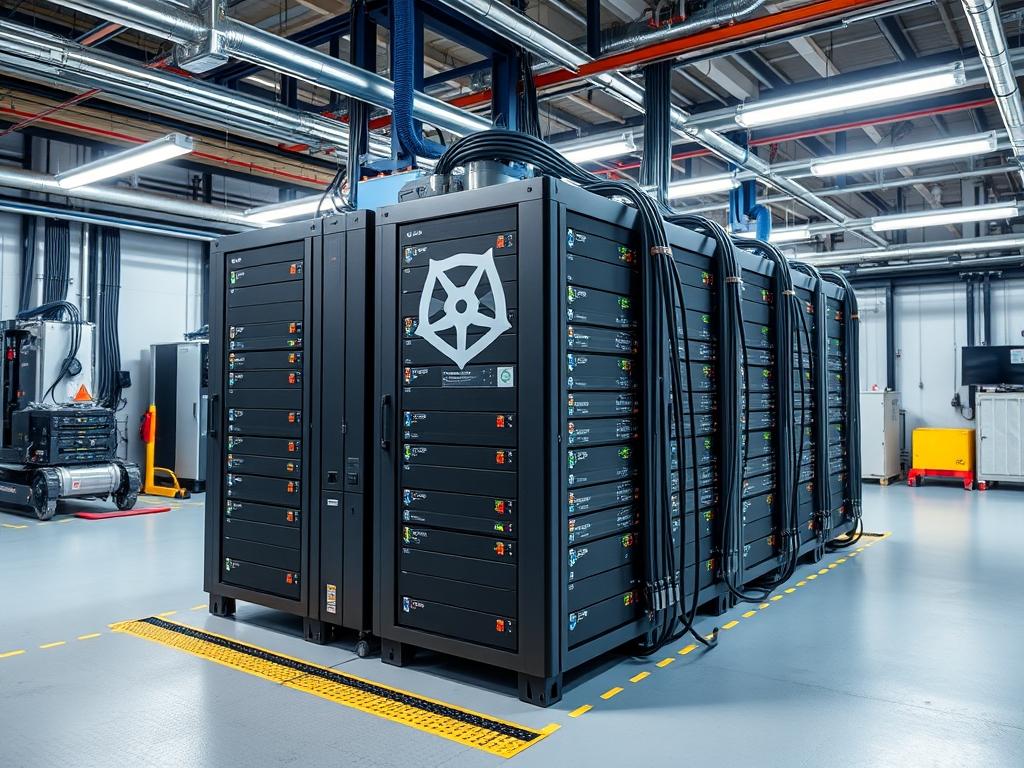
Kubernetes Cluster Setup constitutes the primary orchestration framework for distributed compute environments; it functions as a centralized control system for containerized workloads across heterogeneous hardware. In the context of modern cloud infrastructure, this setup resolves the inherent instability of manual process management by enforcing idempotent state declarations. Without a robust orchestration layer, system administrators face significant latency in service recovery and excessive operational overhead during horizontal scaling events. This manual addresses the deployment of a resilient multi-node environment designed to mitigate single points of failure. By decoupling the application logic from the underlying hardware via encapsulation, the cluster ensures high availability for critical services. The transition from monolithic deployments to a Kubernetes-driven architecture allows for granular resource allocation, ensuring that the throughput of the network remains consistent even under peak concurrency conditions; this is essential for maintaining service level objectives in high-traffic production environments.
Technical Specifications
| Requirement | Default Port/Operating Range | Protocol/Standard | Impact Level (1-10) | Recommended Resources |
| :— | :— | :— | :—: | :— |
| Kubernetes API Server | 6443 | HTTPS/TLS | 10 | 2 vCPU, 4GB RAM |
| Kubelet API | 10250 | TCP | 9 | 1 vCPU, 2GB RAM |
| Etcd Client API | 2379:2380 | gRPC | 10 | SSD Storage, 8GB RAM |
| NodePort Services | 30000:32767 | TCP/UDP | 7 | N/A |
| Container Runtime | Unix Socket | CRI | 9 | High IOPS Storage |
| Control Plane Latency | < 10ms | ICMP/TCP | 8 | Low-latency NIC |
The Configuration Protocol
Environment Prerequisites:
Deployment requires a Linux distribution with a kernel version of 5.4 or higher to support modern eBPF features and container isolation. All nodes must possess a unique hostname, MAC address, and product_uuid located in /sys/class/dmi/id/product_uuid. Administrators must disable swap memory on all nodes to prevent unpredictable latency spikes and ensure the kubelet accurately manages memory pressure. The environment requires sudo or root level permissions and a consistent time synchronization via chronyd to prevent certificate expiration issues caused by clock drift.
Section A: Implementation Logic:
The engineering design of a Kubernetes Cluster Setup relies on the separation of the control plane and the data plane. The control plane manages the global state, while worker nodes host the actual payload. This architecture minimizes the impact of hardware failure by redistributing pods when a node reports a NotReady status. By utilizing IPVS or iptables for load balancing, the cluster reduces packet-loss during service discovery. The fundamental goal is to achieve high concurrency without exhausting the system’s thermal-inertia thresholds, ensuring that the physical hardware remains within safe operating temperatures while processing intense computational tasks.
Step-By-Step Execution
1. Disable Swap Space
Execute swapoff -a to immediately terminate swap usage. To make this change persistent across reboots, the administrator must edit /etc/fstab and comment out any line referencing swap partitions.
System Note: This action prevents the Linux kernel from moving memory pages to the disk; such behavior would introduce massive latency in container execution and disrupt the kubelet resource accounting logic which assumes that memory is non-volatile.
2. Configure Kernel Modules for Networking
Create a configuration file at /etc/modules-load.d/k8s.conf and add the br_netfilter and overlay modules. Load them using modprobe overlay and modprobe br_netfilter.
System Note: The br_netfilter module is critical for enabling transparent masquerading and facilitating virtual bridge traffic filtering via iptables, which is a prerequisite for the Kubernetes CNI to manage pod-to-pod communication across different hosts.
3. Sysctl Network Tuning
Apply network parameters by creating /etc/sysctl.d/k8s.conf and setting net.bridge.bridge-nf-call-iptables = 1 and net.ipv4.ip_forward = 1. Follow this with sysctl –system to commit the changes.
System Note: Enabling ip_forwarding allows the host to act as a router for the traffic originating from containers; without this, the payload within the pods cannot reach external networks or other nodes in the cluster.
4. Container Runtime Installation
Install containerd via the official repository. Generate the default configuration using containerd config default > /etc/containerd/config.toml and modify it to set SystemdCgroup = true. Restart the service using systemctl restart containerd.
System Note: Setting SystemdCgroup to true ensures that containerd and the kubelet use the same cgroup driver; this alignment prevents system instability under high concurrency when the kernel attempts to manage competing cgroup hierarchies.
5. Kubernetes Component Integration
Install kubelet, kubeadm, and kubectl using the package manager. Use apt-mark hold or yum versionlock to prevent accidental updates that might break compatibility.
System Note: Locking versions ensures the cluster remains in a known-good state; unexpected binary updates can cause signal-attenuation in control signals if the API versions diverge significantly between the master and worker nodes.
6. Control Plane Initialization
On the master node, execute kubeadm init –pod-network-cidr=10.244.0.0/16. Capture the output join token for worker node integration. Configure the local kubectl environment by copying /etc/kubernetes/admin.conf to the user .kube/config directory.
System Note: This command initializes the etcd database and generates the necessary TLS certificates. It sets the foundation for the idempotent management of the cluster state by starting the API server, scheduler, and controller manager.
7. Deploying the Pod Network
Apply a CNI provider, such as Flannel or Calico, using kubectl apply -f [provider_url.yaml].
System Note: The CNI establishes the overlay network. It handles the encapsulation of packets, ensuring that traffic between pods on different physical machines is routed correctly without experiencing significant throughput degradation or packet-loss.
8. Worker Node Integration
On each worker node, execute the kubeadm join command provided during initialization. Ensure that the –token and –discovery-token-ca-cert-hash match the control plane values.
System Note: This step establishes a secure connection to the API server via gRPC. The worker node registers its available CPU and RAM resources, allowing the scheduler to begin distributing the application payload across the newly added capacity.
Section B: Dependency Fault-Lines:
Hardware bottlenecks often manifest as signal-attenuation in virtualized environments, leading to heartbeat failures. A frequent failure point is the mismatch between the container runtime cgroup driver and the systemd manager; this conflict results in the kubelet failing to start and throwing a “cgroup driver mismatch” error in the system logs. Another common bottleneck is the I/O throughput of the disk hosting the etcd database. If the disk latency exceeds 10ms consistently, the cluster will experience leader elections and instability in the control plane. Administrators should use tools like fio to verify disk performance before deployment.
Troubleshooting Matrix
Section C: Logs & Debugging:
When the Kubernetes Cluster Setup fails, the primary investigative tool is journalctl -u kubelet -f. This command streams the kubelet system logs, which highlight failures in volume mounting or runtime connectivity. For API-level errors, administrators should check the logs located in /var/log/pods/ or /var/log/containers/ on the master node. If a node is unreachable, verify the physical link using a fluke-multimeter for cable integrity or check the logic-controllers in the switch for port flapping. Network issues can be diagnosed by inspecting ip route and iptables -L outputs to ensure that traffic encapsulation rules are properly populated. Common error strings like “context deadline exceeded” usually point to high latency or signal-attenuation in the network fabric.
Optimization & Hardening
Performance tuning focuses on maximizing throughput while minimizing overhead. To optimize the cluster, administrators should adjust the max-pods variable in the kubelet configuration to align with the node’s physical memory and CPU core count. Implementing HugePages can significantly reduce the overhead of memory management for high-performance applications. For network efficiency, switching from iptables mode to IPVS mode in kube-proxy improves concurrency handling by using hash tables instead of linear rule chains; this reduces the CPU cycles spent on packet routing.
Security hardening is paramount in a multi-tenant environment. Administrators must enforce Role-Based Access Control (RBAC) to limit permissions to the minimum necessary level. The API server should be restricted to specific IP ranges using a firewall, and all traffic must be encrypted via TLS. Furthermore, enabling Pod Security Standards helps prevent containers from running with root privileges, thereby mitigating the risk of container escape attacks. Regular audits of the etcd database and rotating certificates every 365 days are standard practices to ensure long-term cluster integrity.
Scaling logic must be proactive. As the payload increases, the use of a Horizontal Pod Autoscaler (HPA) allows the cluster to dynamically adjust the number of pod replicas based on CPU or memory utilization. For the underlying infrastructure, the Cluster Autoscaler can provision additional nodes from a cloud provider when the current resources are exhausted. This ensures that the system maintains low latency and high throughput regardless of fluctuations in user demand.
The Admin Desk
How do I fix a NodeNotReady status?
Check the kubelet status using systemctl status kubelet. Often, this is caused by the disk being full or swap being re-enabled. Clear the /var/lib/docker/overlay2 directory or run swapoff -a to restore the node performance and connectivity.
Why are my pods stuck in ParallelPending?
This indicates the scheduler cannot find a node with sufficient resources. Check kubectl describe pod [name] for specific resource shortages. Ensure your nodes have not reached their thermal-inertia limits or CPU reservation ceilings, preventing new payload scheduling.
How do I recover from a corrupted etcd?
Restore the database from a recent snapshot using etcdctl snapshot restore. Ensure the cluster is stopped during this process to maintain data consistency. Verify the integrity of the data before restarting the control plane components.
What causes high packet-loss between nodes?
High packet-loss is usually linked to MTU mismatches in the CNI or physical link signal-attenuation. Verify that the MTU of the virtual interface matches the physical NIC. Use ping -s to test for fragmentation across the network fabric.

